
Smart Capture for OBS
WindowsOBS StudioPluginAutomation
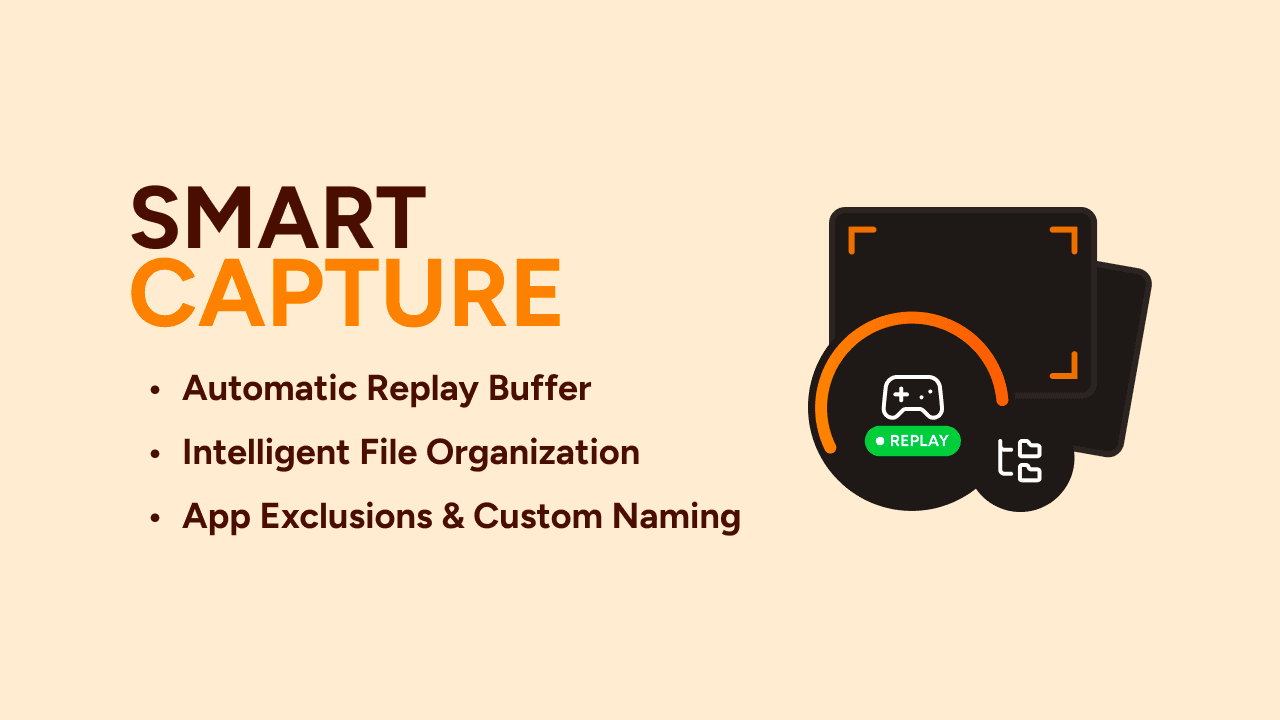
Starts the OBS replay buffer when target games launch, stops it on exit, and auto-sorts files into clean, game-specific folders.
Buy Now
Features
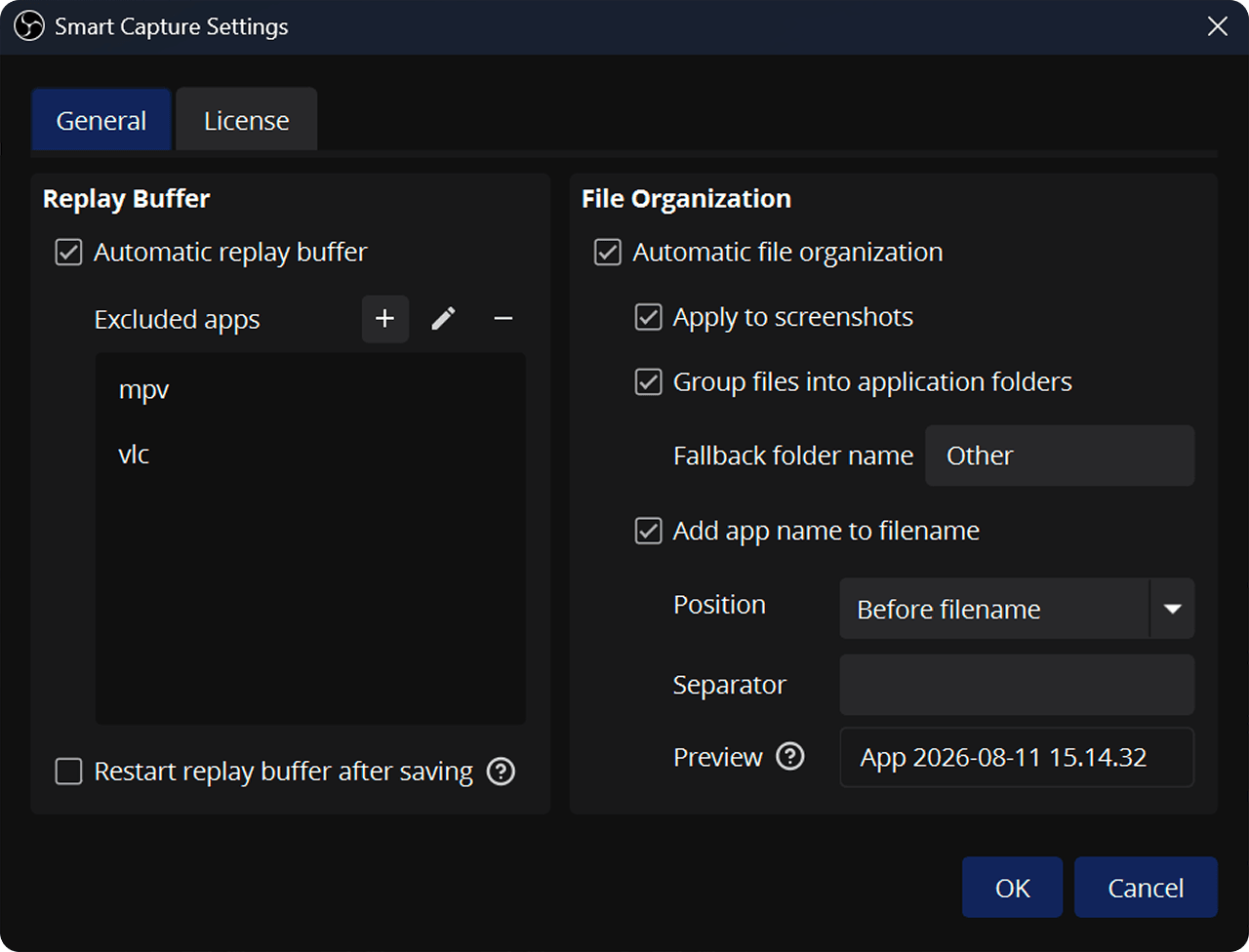
- Starts and stops the replay buffer automatically on game launch and exit
- Auto-sorts and renames recordings, clips, and screenshots into game-specific folders
Setup
OBS must be open with the scene containing your Game Capture or Window Capture source selected for the plugin to detect games and manage the buffer.
To ensure the correct scene is always active in the background, you can start OBS on boot with
--scene "YourSceneName".